
VLC media player
VLC media player is a free, open-source video and audio player for Windows from the VideoLAN team. The current release is 3.0.24.
Windows
Open source

1.5.10.0 · Media AI Center · Page updated
HEVC Player is a free Windows video player from Media AI Center for opening videos encoded in the HEVC format, common on modern phones and cameras.
Average 0.0 · ratings: 0
Thank you! Your rating is saved; you can change it. Could not save the rating. Please try again later. Too many ratings from your network today. Please try again tomorrow. The average appears after 5 ratings.
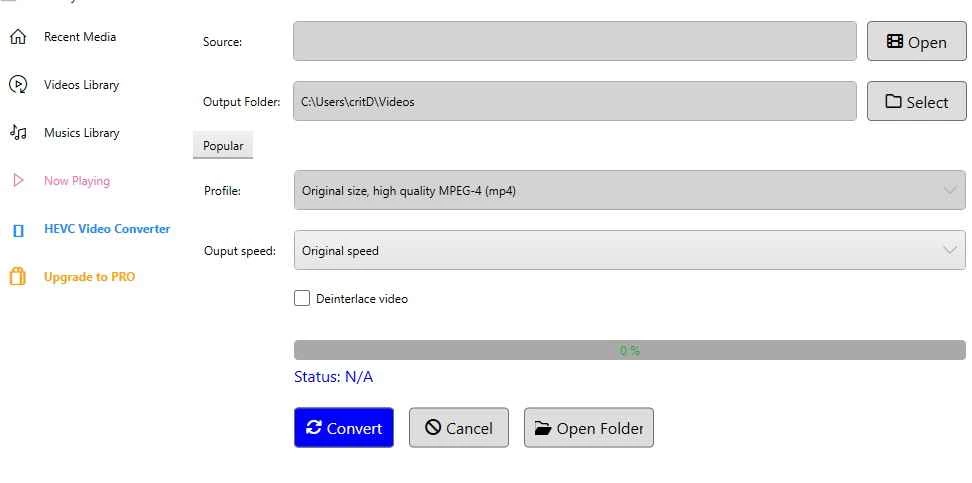
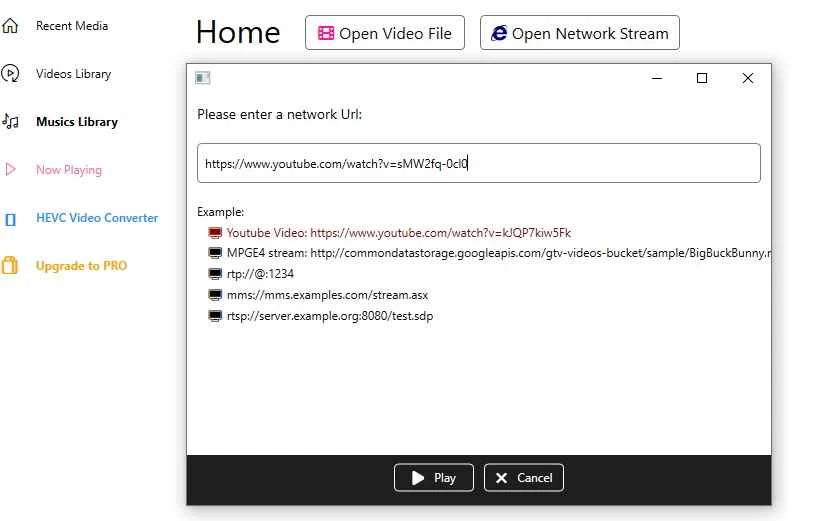
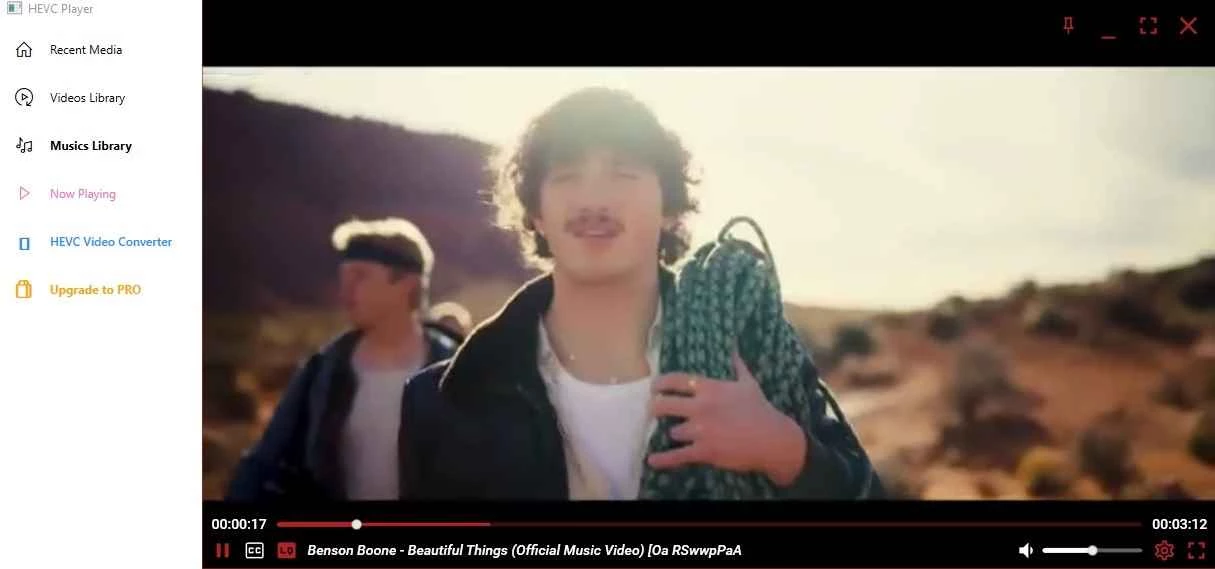
HEVC Player 1.5.10.0 is a free video player for Windows from Media AI Center. It is made for videos encoded with HEVC (High Efficiency Video Coding), the format many modern phones, action cameras and drones use to save storage. If Windows shows an error or only sound when you open such a file, you can download HEVC Player for Windows and play it without hunting for codecs.
HEVC compresses video far more efficiently than older formats, so a phone can store more footage in the same space. The catch is that playback needs a matching decoder, and not every Windows installation has one ready. The result is familiar: a video from an iPhone or a drone opens with a black picture, stutters or refuses to play in the default app. There are several ways around this. You can install a decoder extension for Windows, use a player that brings its own decoders, or convert the video to a more widely supported format. HEVC Player takes the second route: it is a single program that opens these files directly. Its large size compared with other players suggests it carries its own components rather than relying on the system.
Video players are a popular disguise for adware, and "codec packs" from unknown sites are a classic trap. Download HEVC Player through the developer's page, read each installer screen and untick offers you do not want.
All-round players in our listings that handle many formats include VLC media player, KMPlayer and GOM Player. K-Lite Codec Pack adds decoders to Windows, and Any Video Converter or Format Factory can convert videos to other formats.
VLC media player is a free, open-source video and audio player for Windows from the VideoLAN team. The current release is 3.0.24.

CapCut for Windows is ByteDance's desktop video editor, with a timeline, templates and export presets for short and long videos.
VLC media player is a free, open-source video and audio player for Windows from the VideoLAN team. The current release is 3.0.24.

Green Free Video Converter is a small free Windows program for converting video files between common formats for phones, players and editors.

Format Factory is a free Windows multimedia converter from Free Time for changing video, audio and image files between formats.

Streamlabs OBS, now called Streamlabs Desktop, is a free open-source Windows app for live streaming and recording with built-in alerts and overlays.

Free Cam is a free screen recorder for Windows from iSpring Solutions for recording screencasts with voice-over and trimming them before export.

TikTok for Windows is the desktop app of the short-video platform from TikTok Pte. Ltd., available free from the Microsoft Store.

Iriun Webcam is a small free Windows program that turns an Android phone or iPhone into a wireless webcam for video calls and streaming.